Add everyone who eats at home and fill in each profile: what they eat, how active they are and the days they train. Invite the rest of the household with a link.
2
Plan the week
Choose the days and the meals: breakfast, lunch, snack, dinner and dessert. Pin the dishes you want to keep and mark the meals you are eating out. Mealetto fills in the rest, following the season and varying the dishes, and you can swap any of them with one tap.
MealMonTueWedThuFriSatSun
Breakfast
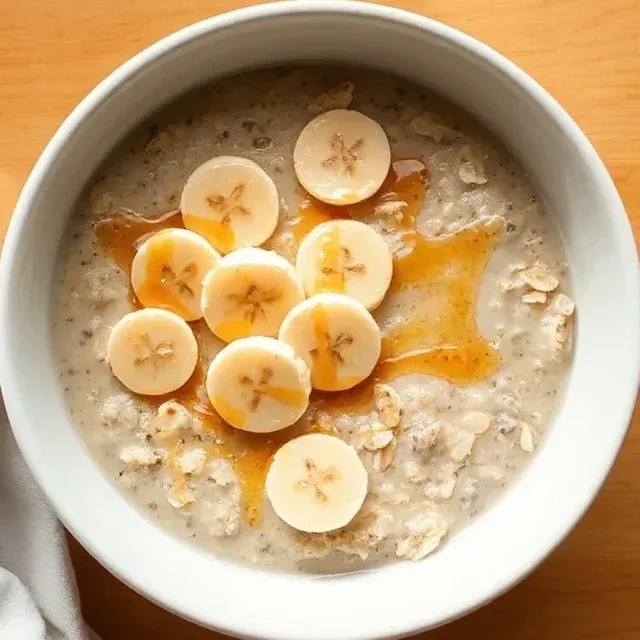
Porridge with banana
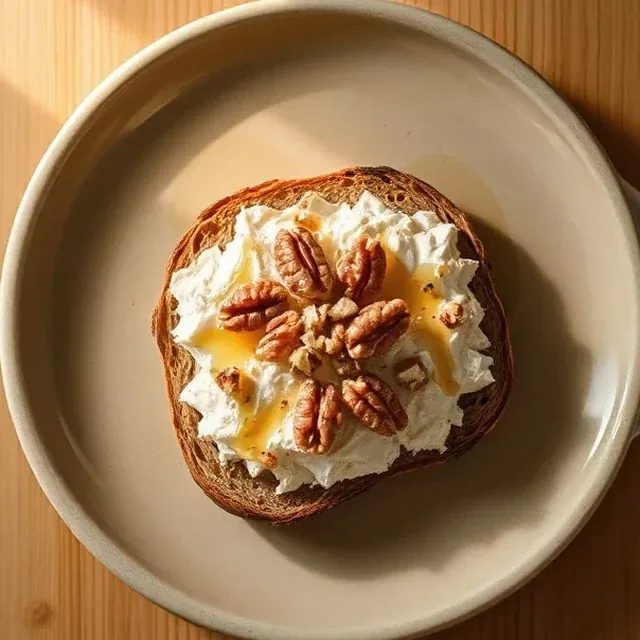
Goat’s cheese and walnut toast
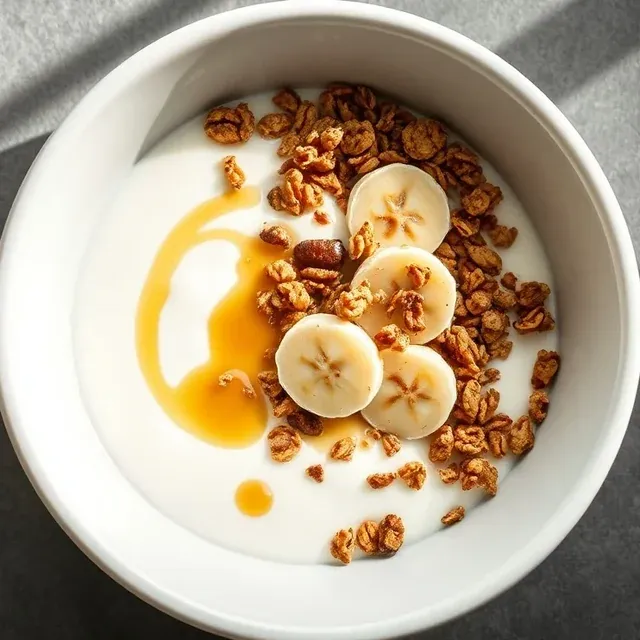
Yoghurt with granola and fruit
Avocado and egg toast
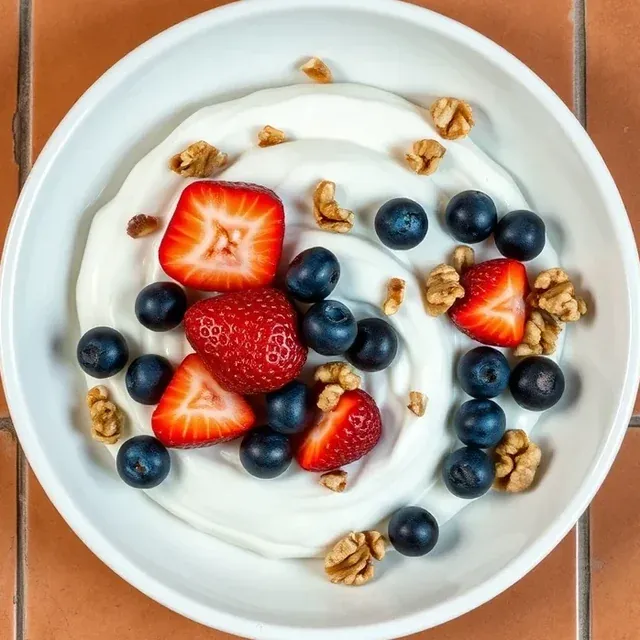
Yoghurt with berries
Scrambled eggs on toast
Tomato and ham toast
Lunch
Chickpeas with spinach
Roast chicken with potatoes
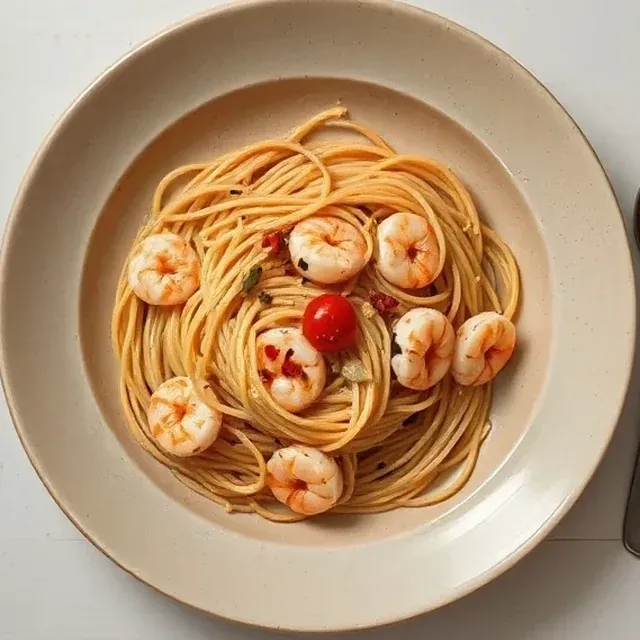
Spaghetti with prawns
Hake in green sauce
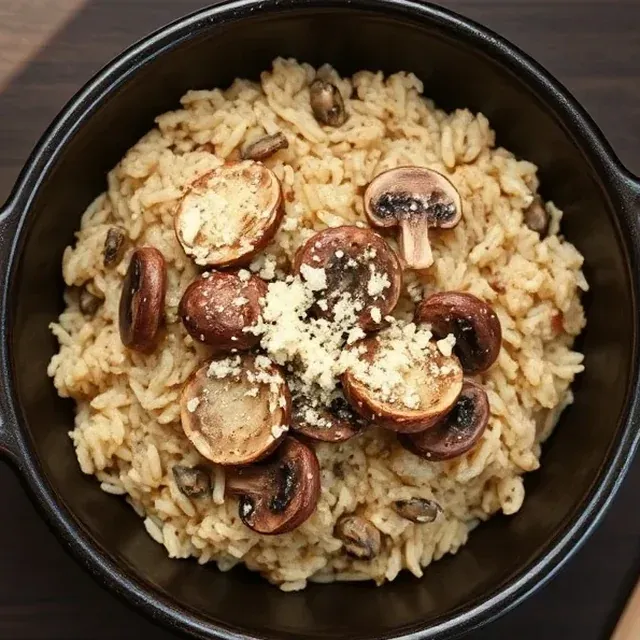
Mushroom risotto
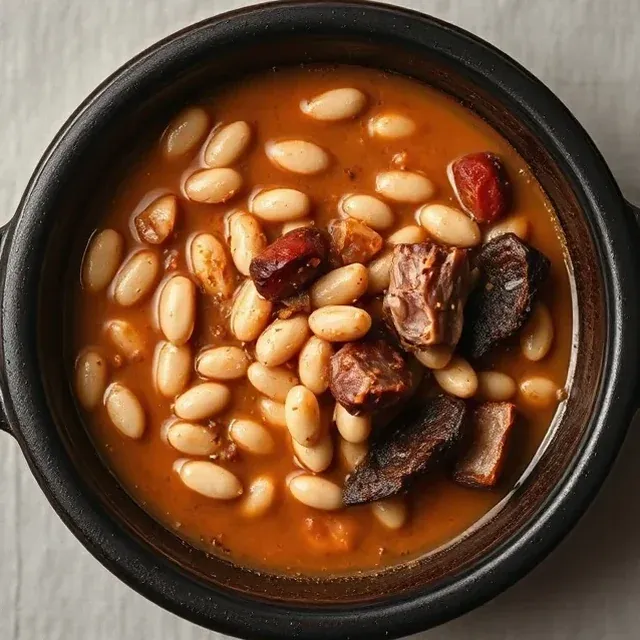
Asturian bean stew
Chicken and vegetable paellaPinned
Snack
Seasonal fruit
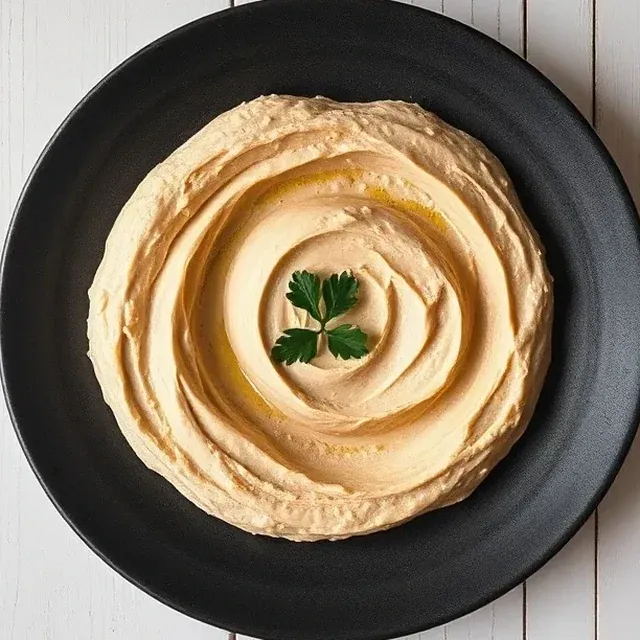
Home-made hummus
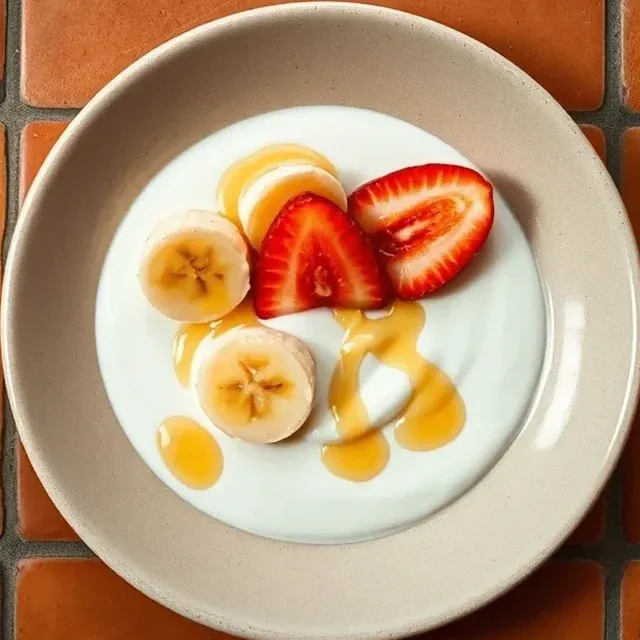
Yoghurt with fruit and honey
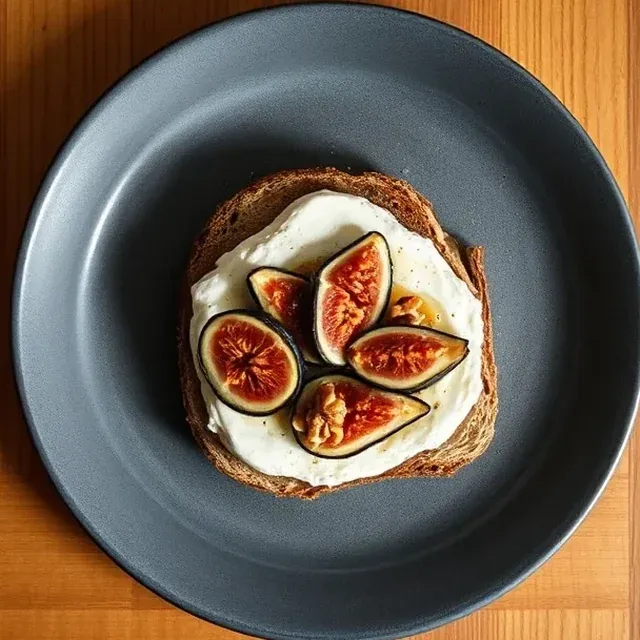
Ricotta and fig toast
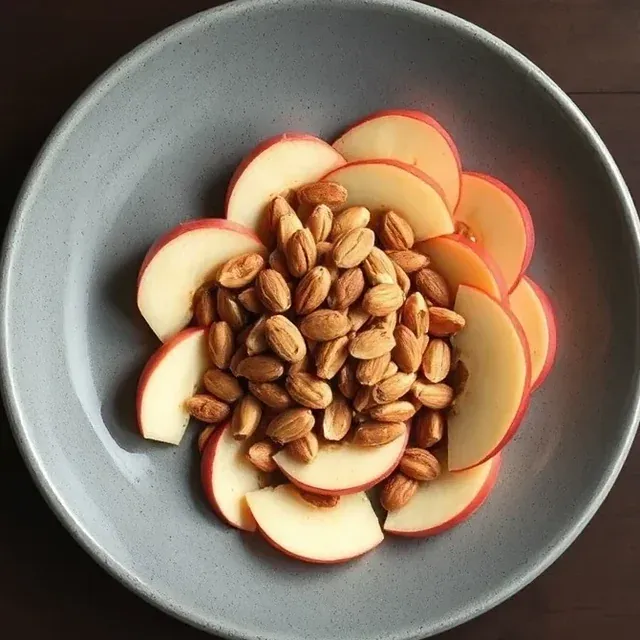
Apple with almonds
Apple compote with yoghurt
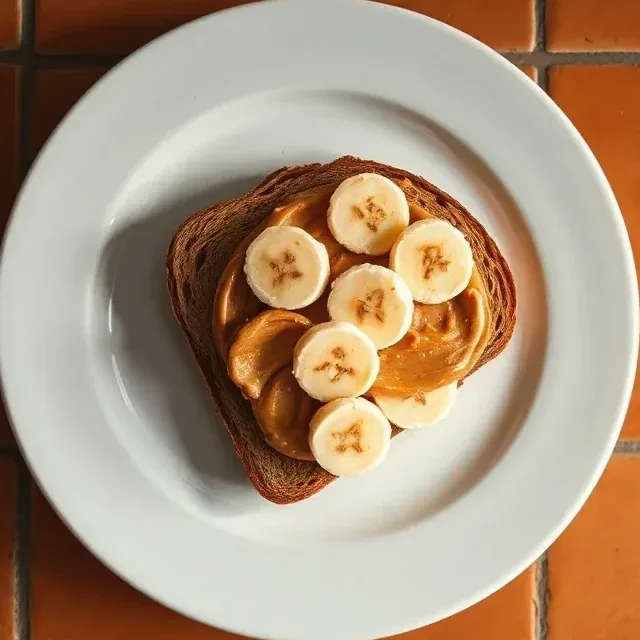
Peanut butter and banana toast
Dinner
Pumpkin soup
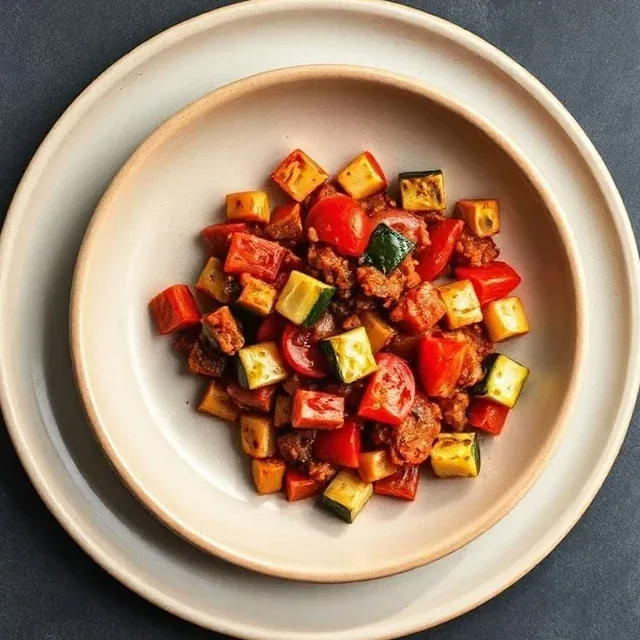
Spanish ratatouille
Salmon poke bowl
Shakshuka
Chicken and vegetable stir-fryPinned
Eating out
Salmorejo
Dessert
Fruit salad with yoghurt
Rice pudding
Kiwi and orange with mint
Baked apple
Crème caramel
Pears in red wine
Mandarins with ricotta and honey
Pinned dish: Mealetto plans the rest around it.
Eating out: Mealetto leaves that meal free.
3
Do the shopping
The list comes from the plan, sorted by aisle, and each item shows the dish it is for. Add anything else you need, and keep a second list for the rest of the household shopping.
ShoppingHome
ListAt home
45 to buy
17 items are already in your pantry.
Fruit and veg 14 to buy
GarlicFor: Chickpeas with spinach, Hake in green sauce50 g
BlueberriesFor: Yoghurt with berries150 g
CarrotsFor: Pumpkin soup, Chicken and vegetable stir-fry500 g
Flat-leaf parsleyFor: Hake in green sauce50 g
SpinachFor: Chickpeas with spinach, Salmon poke bowl1.2 kg
StrawberriesFor: Fruit salad with yoghurt600 g
4
Cook
The Today screen shows the next meal and reminds you what to take out of the freezer. Cook mode gives you the ingredients weighed out for everyone eating, then one step per screen with its timer.
Chickpeas with spinach
Before you start
Get this out and weigh it. It is already worked out for everyone eating today.
Cooked chickpeas640 g
Spinach360 g
Onion140 g
Garlic14 g
Sweet paprika6 g
Olive oil30 g
BackStart
5
Review the week
At the end of the week you get a summary of its nutrients set against general reference values, ready for when you plan the next one.
What else Mealetto does
Guests
Add people to a particular meal and the quantities for the dish and the shopping list adjust.
Training days
Set the days each person trains and Mealetto takes them into account when it plans those days’ meals.
Leftovers
Leftovers from one dish are planned in as a meal on another day.
Pantry
Keep a note of what is in the house and Mealetto tells you what is about to expire or run out. The shopping list leaves off what you already have.
Your recipes
On the Complete plan you add your own: type them in or import them from a link, a block of text or a photo, and check them before you save.
In season
The week follows the time of year: stews and soups when it is cold, lighter dishes when it is hot.
Shared at home
Everyone joins from their own phone and sees the same week and the same shopping list.
Works offline
The plan and the shopping list open with no signal. Anything you tick off syncs when you are back online.
Start planning your week
Setting up your household takes a few minutes. Your first plan is ready as soon as you finish.